

If you want to rank higher and increase sales on Amazon UAE, listing optimization is one of the most important things to get right. A strong product listing helps your item appear in search, attract clicks, and convert visitors into buyers.
A high-performing Amazon UAE listing does three jobs at once: it helps Amazon understand your product, it improves click-through rate from search results, and it increases conversion once customers land on the page.
From years of selling on Amazon UAE, I’ve learned that the product matters — but the listing decides whether the product gets seen and bought. A weak listing can ruin a strong product, while a well-optimized listing can outperform better products with poor presentation.
If you're new, read this together with our guide on How to Start Selling on Amazon UAE in 2026.
What Amazon UAE Listing Optimization Actually Means
Optimizing your Amazon UAE listing means improving every part of the product page so that it ranks better in search results and converts better once people land on it.
This includes your title, main image, image set, bullet points, description, backend keywords, category placement, price position, and even the first review strategy. Amazon doesn't judge your product only by what you sell — it judges how people react to your listing.
Amazon UAE Keyword Research for Product Listings
Before you write anything, you need to know what customers are typing into Amazon UAE search. If you skip this step, you are writing for yourself — not for the market.
Your main keyword should describe the product clearly. Then you build supporting keywords around features, material, usage, size, color, and local buying intent. In the UAE market, English usually leads, but depending on the product, Arabic keyword considerations may also matter.
Good keyword targeting helps Amazon understand when your product should appear in search. That is the first step toward ranking.
How to Write an Amazon UAE Product Title That Ranks and Sells
Your product title is one of the strongest ranking elements on the listing. It should include the main keyword naturally, but still read clearly for humans.
A bad title is either too short and weak, or too stuffed and unreadable. A strong title balances clarity, keyword relevance, and conversion.
A practical structure is: Brand + Main Product Keyword + Core Feature + Size/Color/Quantity.
Do not stuff repeated words. Amazon sees that as poor quality, and customers hate it.
How to Create the Correct Amazon UAE Product Listing in Seller Central
Once your keyword plan is ready, go to Seller Central and create your listing from the correct product category. Category accuracy matters more than most beginners realize because it affects visibility, fee structure, and even which filters your product appears under.

If your product already exists in the catalog, match carefully. If it is your own product, create a brand-new listing with correct data from day one.
Many sellers create the wrong variation, the wrong category, or the wrong parent-child structure and spend weeks fixing issues that could have been avoided in five minutes.
How to Write Amazon UAE Bullet Points That Improve Conversion
Most customers do not read the full description first. They scan the title, the images, the price, and then the bullet points. That means your bullet points must do serious selling work.
Each bullet should highlight one important buying reason: problem solved, product benefit, material quality, size/use-case, and confidence-building detail.
Don't just list features. Translate every feature into a customer benefit.
For example, don't write only "double-wall stainless steel." Write what that means for the buyer — durability, insulation, better everyday performance, or premium feel.
Best Amazon UAE Product Images for Higher Clicks and Sales
Images are one of the most powerful parts of your listing. In many categories, the customer decides emotionally through the images first, then logically through the text.


Your main image must follow Amazon requirements — clean white background, clear product visibility, and professional lighting. Your secondary images should explain the product, demonstrate scale, show lifestyle use, and answer objections before the customer asks them.
One of the biggest mistakes new sellers make is using weak images. On Amazon UAE, customers are becoming more visually selective every year. Poor photos reduce trust instantly.
Amazon UAE Product Description and A+ Content Strategy
Your product description should support the rest of the listing, not repeat it badly. This is where you can explain the product in a more complete way and build trust through structure, clarity, and branding.
If you have Brand Registry, use A+ Content professionally. Well-designed A+ sections increase confidence, reduce confusion, and often improve conversion rates — especially for branded products.
How to Use Backend Search Terms on Amazon UAE
Backend keywords are hidden from customers but visible to Amazon's system. This is where you include relevant search terms that didn't fit naturally in the front-end content.
Use this space wisely. Add alternate wordings, spelling variations, and useful related search phrases — but keep them relevant. Random stuffing hurts more than it helps.
Amazon UAE Pricing Strategy for New Product Launches
A listing does not exist in isolation. Customers compare. That means your pricing must support your launch strategy.
If your product is new and has no reviews, pricing it above established competitors usually slows early conversions. On the other hand, pricing too low can make the product look weak or unsustainable.
The smart move is to choose a launch price that is competitive enough to win clicks and conversions, then improve profitability once the listing gains traction.
How Social Media Helps Amazon UAE Listing Performance
Amazon listing optimization is stronger when supported by outside traffic and brand visibility. Social media helps create that momentum. Good products with good listings perform even better when customers already recognize the brand or have seen the product before landing on Amazon.

Use Instagram, TikTok, Snapchat, and short-form content where relevant to your target market. In the UAE especially, social proof and visual trust matter a lot.
How to Track Amazon UAE Listing Performance After Launch
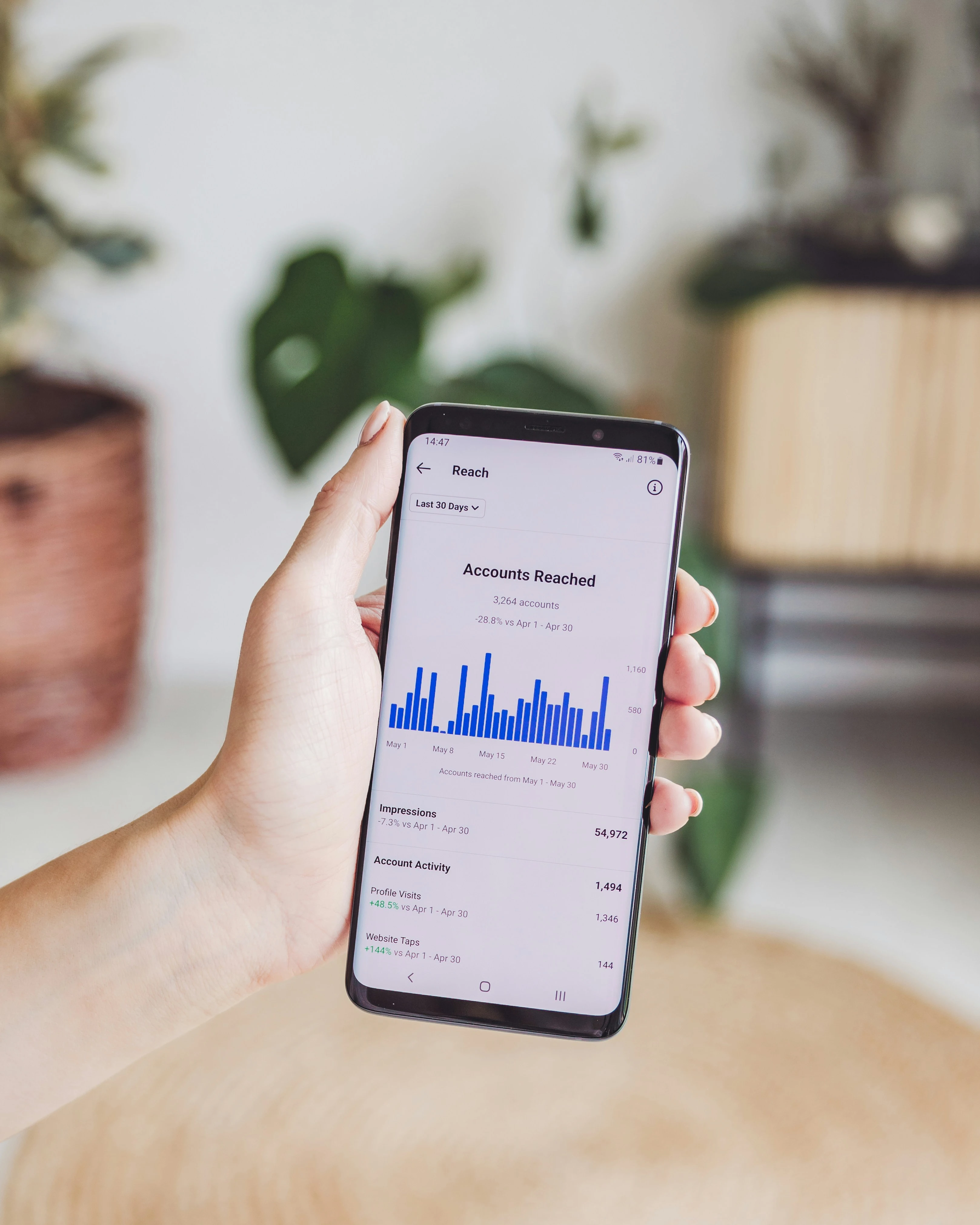
Once the listing is live, optimization is not finished. Now you monitor click-through rate, conversion, sessions, sales, and keyword movement.
If traffic is high but conversions are weak, the problem is often images, price, or bullet points. If conversions are decent but traffic is low, the problem is often visibility, keywords, or ads.
Good optimization is based on observing real customer behavior.
Why Amazon UAE Listing Optimization Matters in 2026
On Amazon UAE, listing optimization is not decoration — it is one of the biggest factors that determines whether your product grows or disappears. A good listing improves ranking, conversion, trust, and long-term performance.
If you're serious about building a real product business, treat your listing like an asset. Because that is what it is. It is not just a product page — it is your sales engine.
Frequently Asked Questions
How long should an Amazon UAE title be?
Long enough to include the main keyword and essential features clearly, but not so long that it becomes stuffed and unreadable. Clarity beats clutter.
What matters more — title or images?
Both matter, but images usually influence conversion more strongly, while the title influences both ranking and click-through. You need both working together.
Can I copy competitor bullet points?
No. Use competitor research for ideas, but write original content for your product. Copying is risky, weak for branding, and often inaccurate.
How many images should I use?
Use as many strong images as possible without lowering quality. A full, well-planned image set usually performs better than a minimal one.
When should I update my listing?
Any time you see weak results. Optimization is ongoing. Improve based on traffic, conversions, review feedback, and customer behavior.