

If you live outside the UAE and are wondering whether you can actually sell on Amazon.ae — the answer is yes. Amazon UAE officially welcomes non-resident sellers. Expats, overseas entrepreneurs, businesses registered in India, the UK, the US, Pakistan, or anywhere else in the world — you can all register and sell on Amazon.ae.
But here is what nobody tells you upfront: the requirements are stricter than most people expect, and making even one mistake during registration can set you back by weeks. We contacted Amazon Selling Partner Support directly and asked them to spell out exactly what is needed. This guide is their official answer — every point directly from Amazon's own response.
If you are also new to the UAE marketplace, read this full Amazon UAE beginner guide.
Can Non-Residents Really Sell on Amazon UAE?
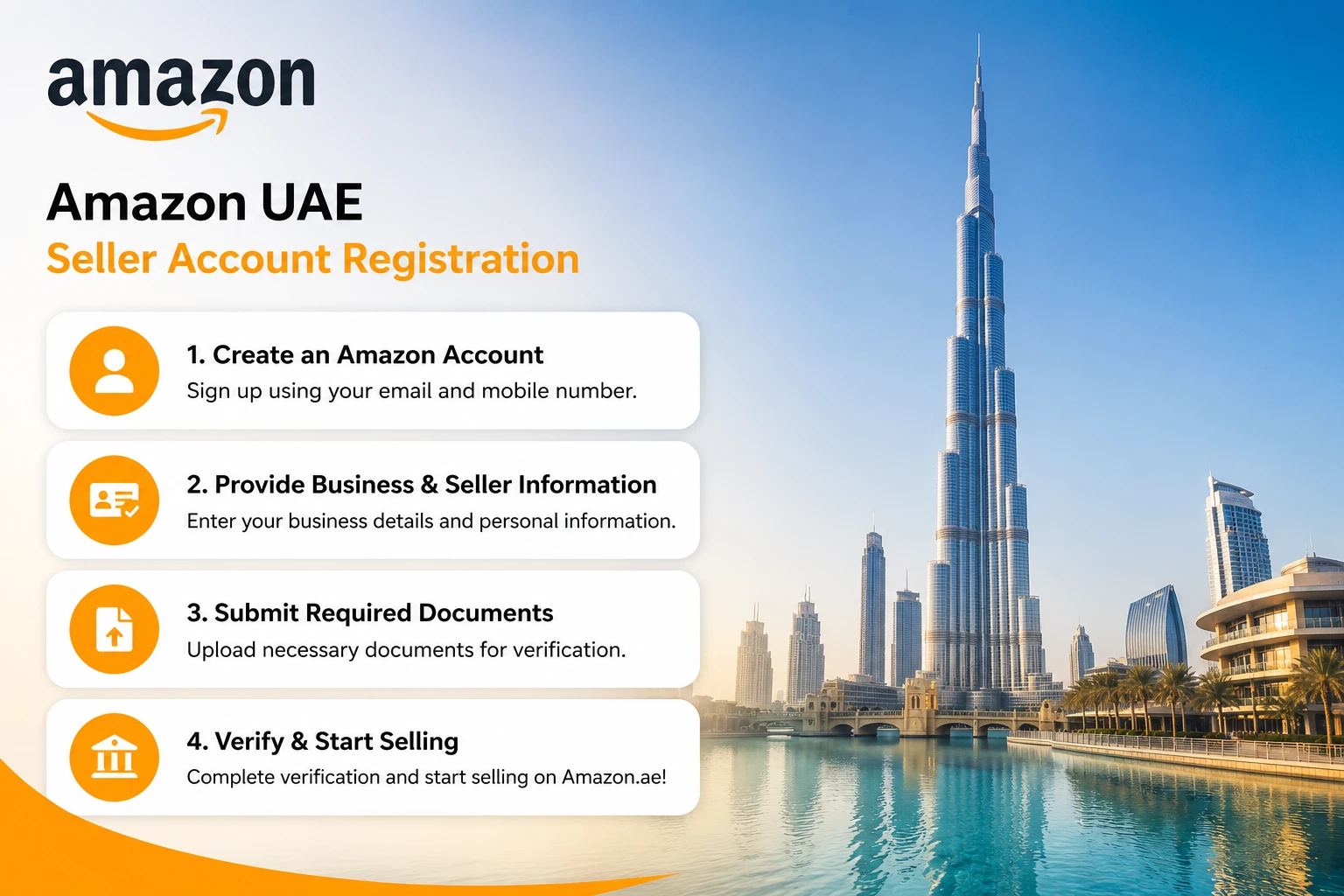
Yes — and Amazon confirmed it in writing. Amazon UAE allows non-resident sellers to create an account and list products on Amazon.ae, even if you live abroad.
However, the moment you start selling in the UAE market, you must comply with local UAE regulations. This applies regardless of where you live or where your company is registered.
There are no shortcuts here. Amazon is very clear: local legal compliance is not optional. But the good news is that the path is well-defined — if you follow it correctly, your account gets approved and you can start selling.
Essential Documents You Need Before You Register
Before you open a browser and go to sell.amazon.ae, gather every item on this list. A missing document does not just slow things down — it can trigger a rejection and force you to start the entire process again.
- Business email address or an existing Amazon customer account
- Phone number where Amazon can reach you
- National ID — Emirates ID for UAE residents, or a passport / national identity card for non-residents
- Financial documentation — a recent bank account statement, credit card statement, or utility bill for identity verification
- Commercial license — mandatory for ALL sellers including international sellers
- Bank account — where Amazon will deposit your sales proceeds
- Chargeable credit card — for account verification and fees
Before choosing products, check your expected profit using the Amazon UAE FBA Calculator.
Amazon Support was direct about this: incomplete or inconsistent applications are the number one reason for delays and rejections. Get every document in order before you begin — do not start the registration process and hunt for documents halfway through.
The Commercial License: The Requirement That Catches Everyone Off Guard
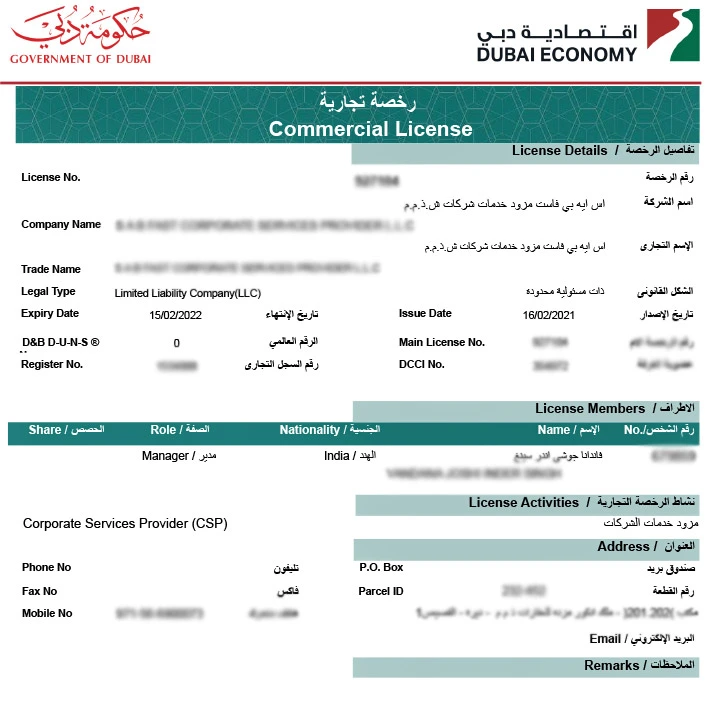
This is the part that surprises almost every international seller. Read this carefully because it is non-negotiable.
Even if your company is already legally registered in India, the UK, the US, or any other country — you still need a UAE trading license to legally sell and operate in the UAE market. Your foreign business registration does not replace this requirement.
Here are the license options available to international sellers:
Option 1: Mainland License
Obtained through the UAE Ministry of Economy or the local Department of Economic Development (DED). This is the standard route for full UAE-wide trading rights.
Option 2: Free Zone License
Multiple free zones across the UAE offer e-commerce licenses specifically designed for international sellers. Amazon Support mentioned three options:
- DMCC — Dubai Multi Commodities Centre
- IFZA — International Free Zone Authority
- Ajman Free Zone
Free zone licenses are a popular choice for expat and overseas sellers and are often faster to obtain than a mainland license.
For comparison, you can also read Amazon UAE vs Noon UAE.
Amazon offers a Service Provider Network (SPN) to help sellers navigate both commercial license applications and VAT registration. If the process feels complex, Amazon's own SPN partners can assist you step by step.
VAT Registration: Zero Threshold — No Exceptions
This is the part of UAE law that most international sellers do not realize applies to them — and it is critical to get right.
If you are an international seller with goods located in the UAE selling to UAE customers, you must register for VAT regardless of how much you sell. Amazon Support used very specific language here: a NIL VAT registration threshold applies.
That means the standard minimum turnover threshold that applies to UAE domestic businesses does not apply to you. VAT registration is mandatory even if your total sales are below the standard threshold.
Do not treat this as optional. Selling in the UAE without VAT registration puts you in violation of UAE Federal Tax Authority regulations. Sort this out before you start selling, not after.
Special Note for Indian Sellers: The India-UAE CEPA Advantage
Amazon Support specifically included a note for Indian sellers, so it is worth highlighting separately.
The India-UAE Comprehensive Economic Partnership Agreement (CEPA) gives Indian exporters a trade advantage when selling into the UAE. Certain product categories can enter the UAE with zero import duty under CEPA.
If you are an Indian seller, it is worth confirming whether your specific products qualify under the agreement before you begin — it can directly affect your cost structure and pricing competitiveness on Amazon.ae.
Step-by-Step: How to Register as a Seller on Amazon UAE
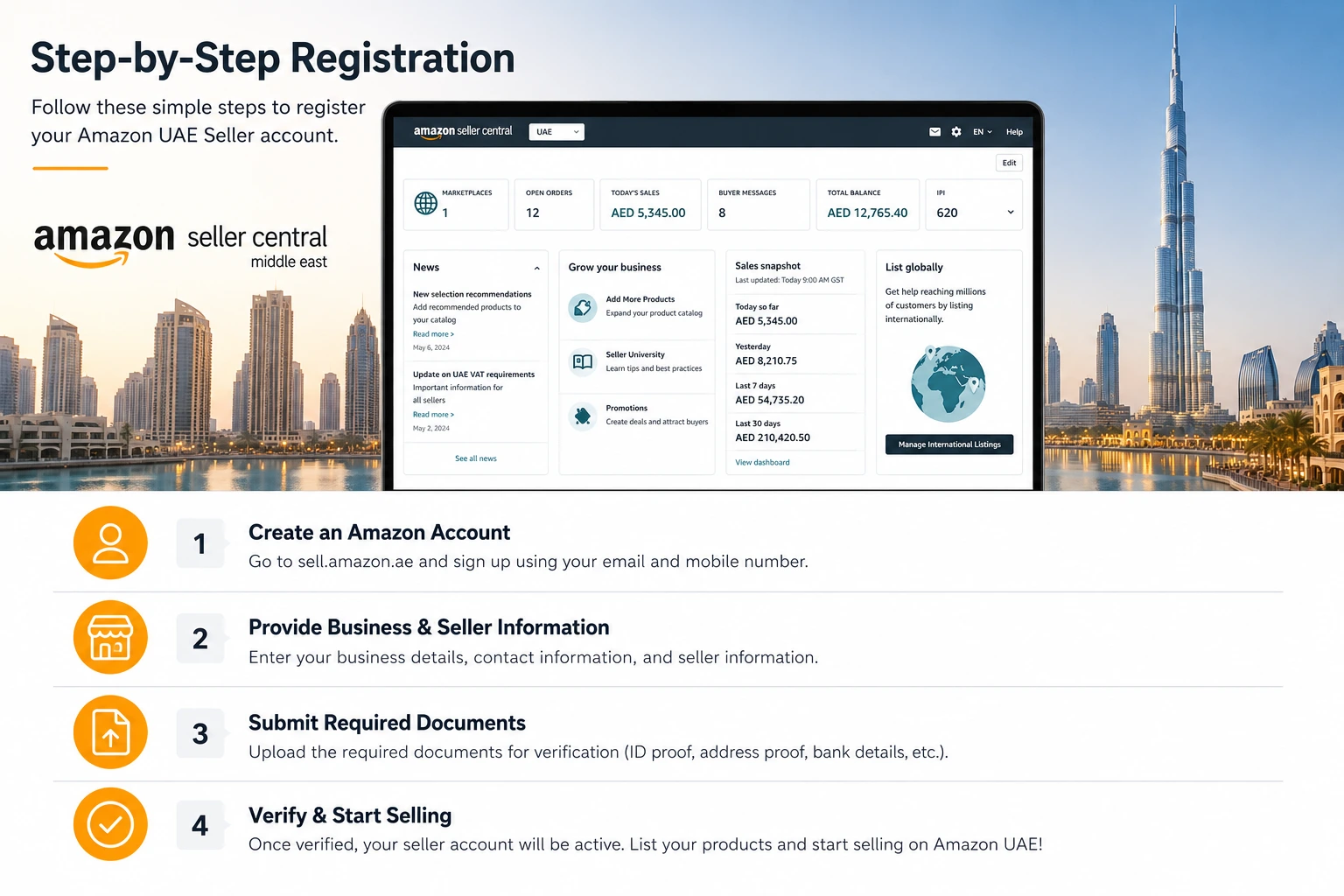
Amazon Support gave a clear, sequential process. Follow these steps in order — do not skip ahead:
- Step 1 — Visit sell.amazon.ae and click "Register Now"
- Step 2 — Create your seller account using all the required documents listed above
- Step 3 — Obtain a commercial license from the relevant UAE authority if you do not already have one
- Step 4 — Set up VAT registration — required for all non-UAE resident sellers selling in the UAE
- Step 5 — Complete identity verification — upload all required documentation
- Step 6 — Provide your license information in Seller Central under: Account Information → Business Information → Identity Information
- Step 7 — Set up your bank account for receiving payments
After registration, you will need to prepare products and suppliers. Read how to find suppliers for Amazon UAE.
Professional or Individual Account — Which One Should You Choose?
Amazon UAE offers two account types, and the difference matters:
Professional Account
Currently available with no monthly subscription fee for a limited time. Amazon Support specifically recommends this for serious sellers. If you are building a real business on Amazon.ae with multiple products and regular sales, this is the right choice.
Individual Account
You pay per item sold. This suits someone testing the market at very low volume. For anyone with genuine business intentions, it is not the recommended starting point.
Quick Reference: Everything You Need at a Glance
Before you start registration, confirm every item in this table is ready:
- Phone number — must be a number where you can be reached
- Passport or government-issued ID — for non-UAE residents
- Bank statement, credit card statement or utility bill — for identity verification
- UAE commercial license — mainland license or free zone license
- VAT registration — mandatory for non-residents where NIL threshold applies
- Bank account — where Amazon sends your sales proceeds
- Chargeable credit card — for account verification and fees
When your account is ready, learn how to send products to Amazon UAE warehouse.
The Verification Process: Do Not Underestimate It
Amazon Support included a specific warning about this, and it is worth taking seriously.
The registration process is stricter than most new sellers expect. Incomplete or inconsistent applications can delay the approval process. Reapplying after a rejection adds weeks to your timeline.
You may also be asked to upload additional documentation at any point during verification.
The lesson is simple: prepare everything before you click Register. Make sure the name on your passport matches the name on your bank statement. Make sure your business address is consistent across every document you submit.
One mismatch can trigger a review that delays everything. Do it right the first time. It is always faster than fixing it later.
After approval, focus on ranking and optimization. Read how to rank products on Amazon UAE and how to optimize Amazon UAE listings.
All information in this article is sourced directly from Amazon Selling Partner Support. For the most current requirements, visit sell.amazon.ae or contact Amazon Seller Support directly.